How to Embed The Philadelphia Inquirer Articles on Your Shopify Store with EmbedAny
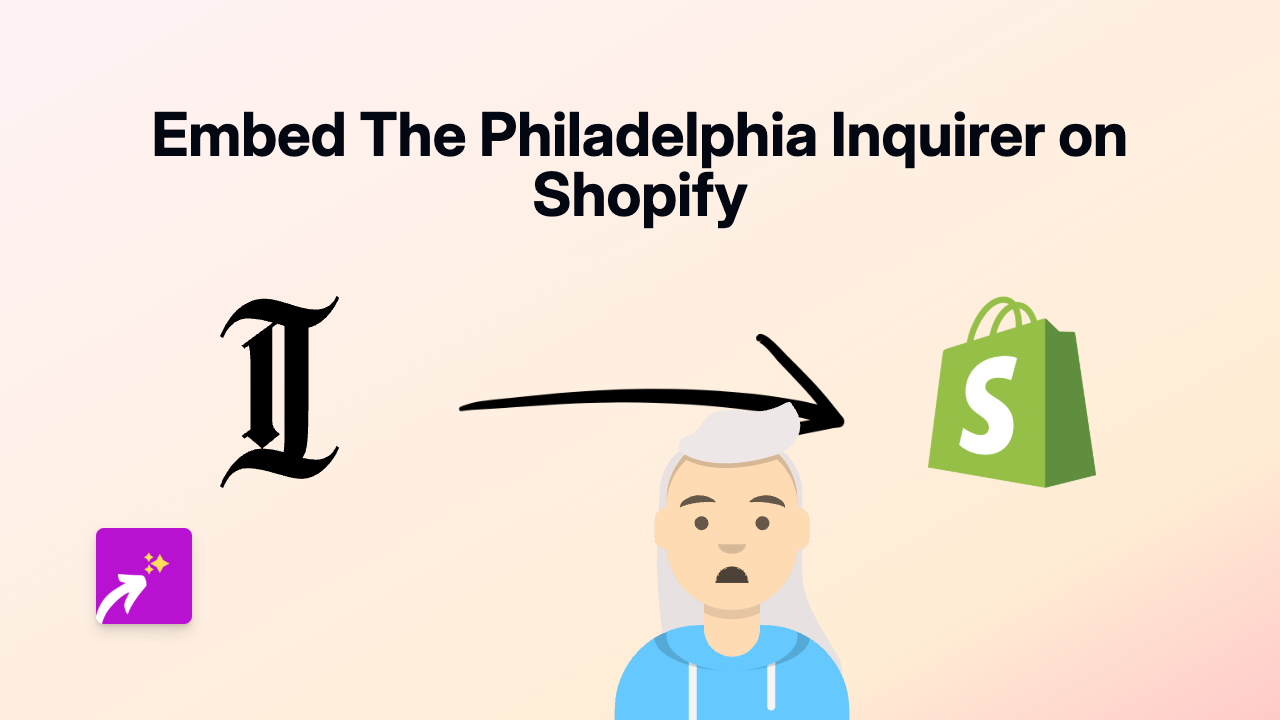
Adding The Philadelphia Inquirer Articles to Your Shopify Store
Want to share compelling news stories from The Philadelphia Inquirer on your Shopify store? Whether you’re referencing local news, sharing relevant articles in blog posts, or adding journalistic content to your pages, EmbedAny makes it simple to display interactive Philadelphia Inquirer articles directly on your site.
Why Embed The Philadelphia Inquirer Content?
- Share trusted news sources with your customers
- Add context to your products with relevant local news
- Include professional journalism to boost your store’s credibility
- Keep visitors on your site while they interact with external content
Step-by-Step Guide to Embedding Philadelphia Inquirer Articles
Step 1: Install EmbedAny on Your Shopify Store
Before you can start embedding content, you’ll need to install the EmbedAny app:
- Visit EmbedAny in the Shopify App Store
- Click “Add app” and follow the installation prompts
- Activate the app on your store
Step 2: Copy Your Philadelphia Inquirer Article Link
- Visit The Philadelphia Inquirer website (inquirer.com)
- Find the article you want to embed
- Copy the full URL from your browser’s address bar
Step 3: Add the Link to Your Shopify Store
- Go to the page, product, or blog post where you want to display the article
- Paste the Philadelphia Inquirer link into your content
- Important step: Make the link italic by selecting it and clicking the italic button (or using keyboard shortcuts)
For example:
Check out this interesting article about Philadelphia businesses:
*https://www.inquirer.com/business/example-article-url*
Step 4: Save Your Changes
Once you’ve added and italicised the link, save your changes. EmbedAny will automatically transform the link into an interactive Philadelphia Inquirer article display.
That’s It!
Visitors to your store can now read The Philadelphia Inquirer article directly on your page without leaving your site. The embedded content is responsive and will display properly across desktop and mobile devices.
Troubleshooting Tips
- Make sure you’ve properly italicised the entire link
- Confirm the link is a valid Philadelphia Inquirer URL
- Check that EmbedAny is properly installed and activated
With EmbedAny, you can quickly enhance your Shopify store with quality journalism from The Philadelphia Inquirer, creating a more informative and engaging experience for your customers.