How to Embed SlidesLive Presentations on Your Shopify Store
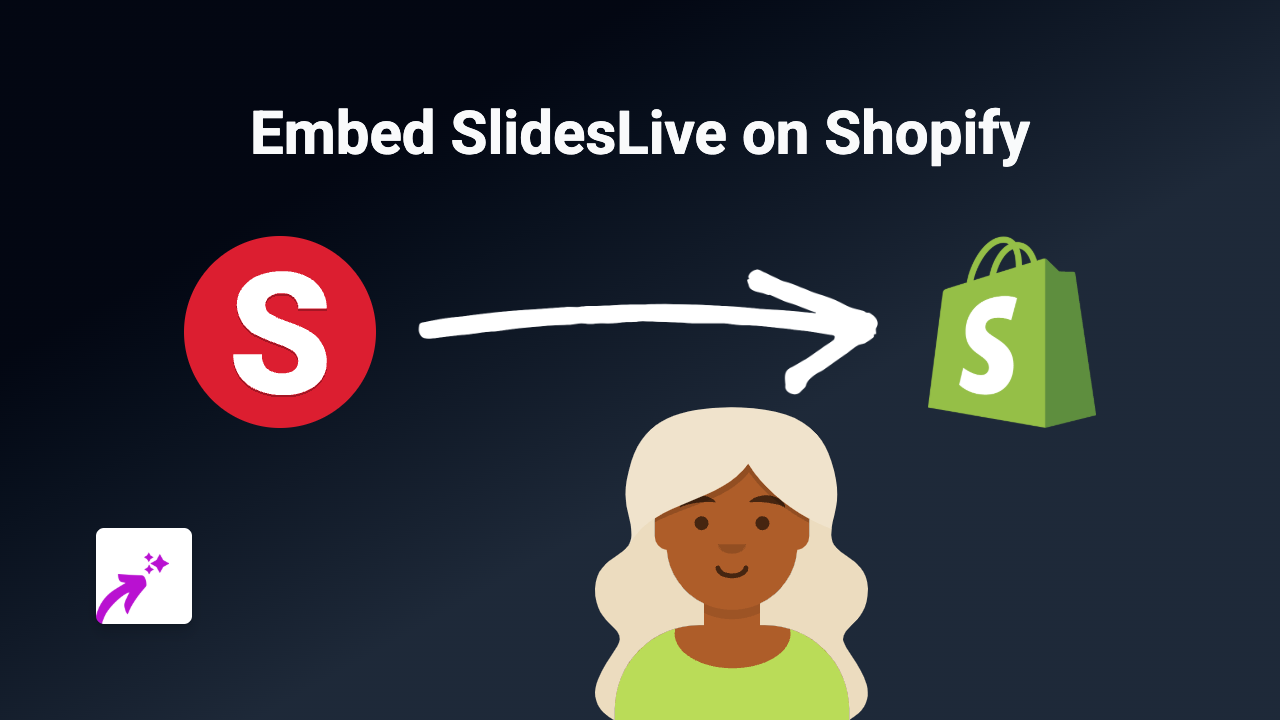
Looking to share professional presentations on your Shopify store? SlidesLive presentations can help you showcase detailed content, webinars, conference talks, and educational material directly on your product pages. Here’s how to embed SlidesLive content on your Shopify store without any technical knowledge.
What is SlidesLive?
SlidesLive is a professional presentation platform used for conferences, lectures, and educational content. It offers high-quality video recording and streaming services with synchronized slides, making it perfect for sharing detailed presentations with your customers.
Why Embed SlidesLive on Your Shopify Store?
- Share product demonstrations with synchronized slides
- Showcase educational content about your products
- Display conference talks that feature your brand
- Provide in-depth information without sending customers away from your store
Step-by-Step Guide to Embedding SlidesLive on Shopify
1. Install EmbedAny on Your Shopify Store
First, you’ll need to install the EmbedAny app from the Shopify App Store:
- Visit https://apps.shopify.com/embed
- Click “Add app” and follow the installation process
- Activate the app on your store
2. Copy Your SlidesLive Link
- Go to the SlidesLive presentation you want to embed
- Copy the URL from your browser’s address bar
- Example:
https://slideslive.com/38902413/deep-learning
- Example:
3. Add the Link to Your Shopify Store
- Go to the page or product where you want to display the presentation
- Open the rich text editor
- Paste the SlidesLive link into the editor
- Select the link text and click the Italic button in the toolbar (or use the keyboard shortcut)
- Save your changes
That’s it! The SlidesLive presentation will now appear directly on your Shopify page.
Best Practices for Using SlidesLive on Your Shopify Store
- Relevant Content: Choose presentations that directly relate to your products or services
- Position Strategically: Place presentations where they’ll enhance customer understanding
- Context Matters: Add a brief introduction explaining what customers will learn from the presentation
- Check Performance: Ensure the embedded content loads quickly on mobile devices
Troubleshooting
If your SlidesLive presentation isn’t displaying correctly:
- Make sure the link is properly italicised in the editor
- Verify that you’ve copied the full, correct URL
- Confirm that EmbedAny is properly installed and activated
Ready to enhance your Shopify store with professional presentations? Start embedding SlidesLive content today and give your customers valuable information without them ever leaving your store.